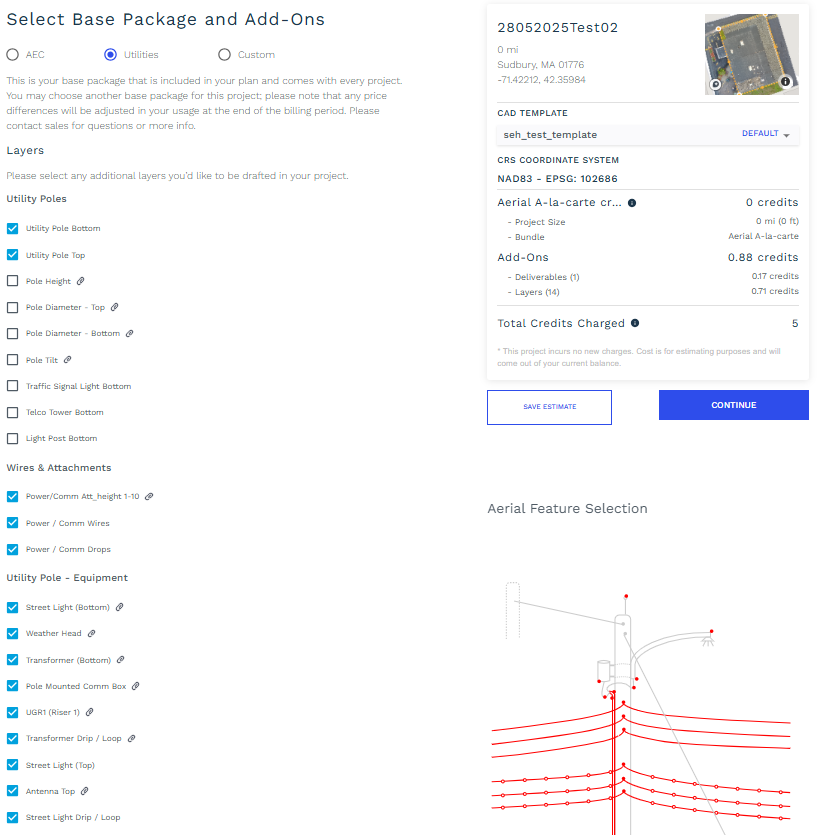
In base package of Utilities, the second bundle is Aerial (3D). This bundle has one type of deliverables, we will understand it as below:
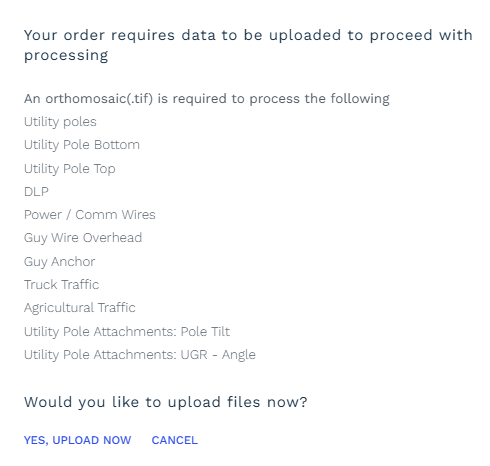
Point to remember as per your selection of layer and bundle you will require to fulfill the input files like orthomosaic(.tif) file
-
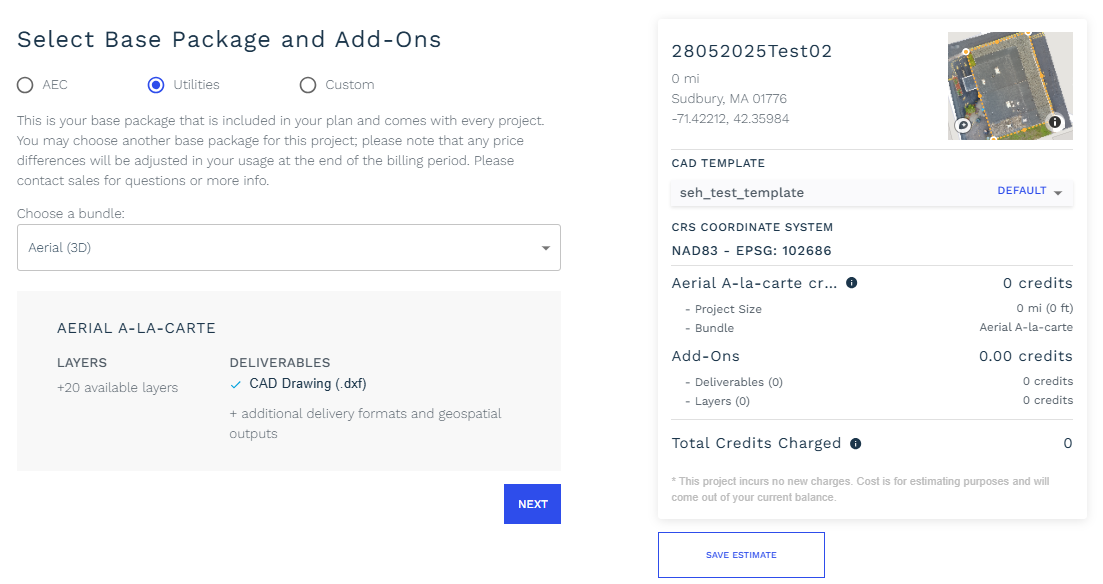
Aerial A-La-Carte:
This has specific layers which will be part of deliverable CAD file (.dxf)
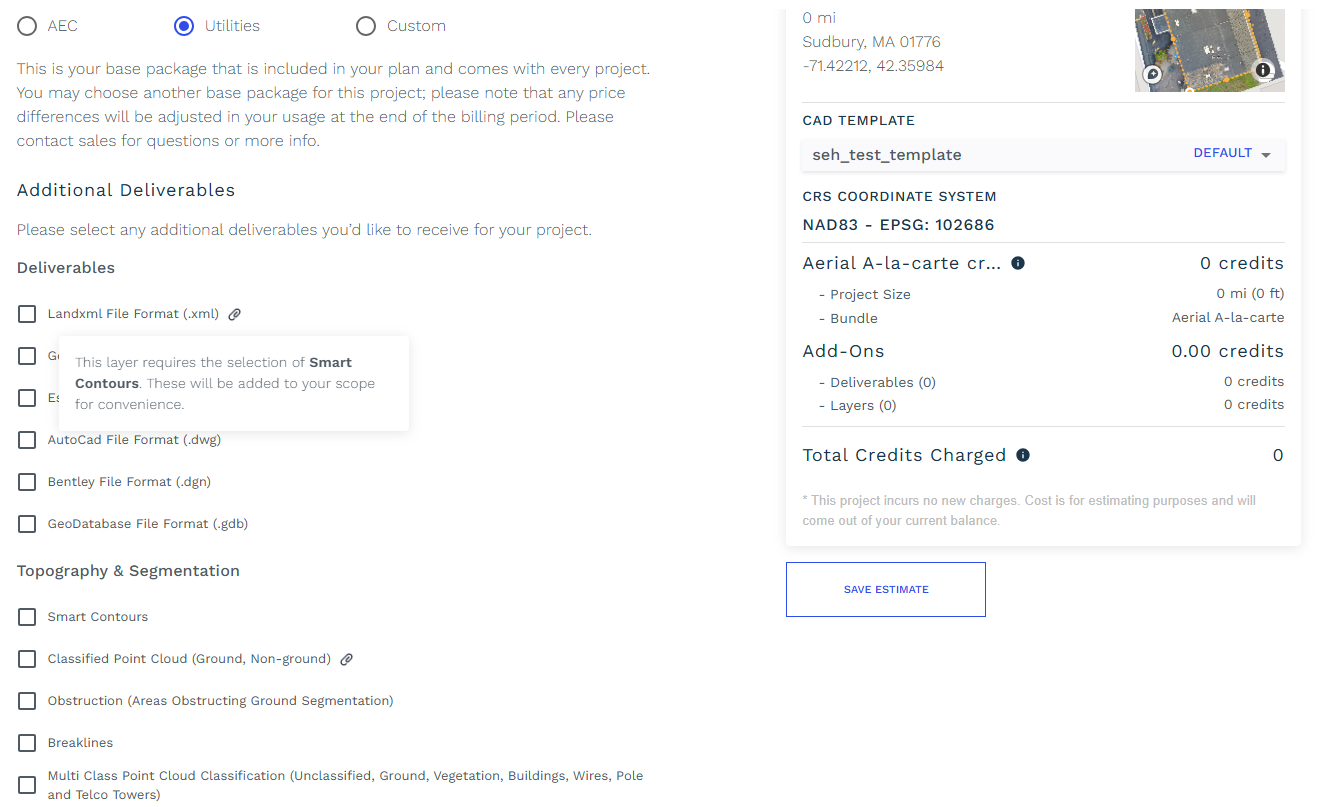
There are additional deliverables that you can select before check-out project. For Aerial A-La-Carte the additional deliverables for selection will be like below:
Along with additional deliverables you will get extra additional layers and 3D Add-On Attributions. To understand attribution in more simpler way i.e. what exactly it will be referring to there is a diagrammatic representation been provided adjacent to selection. Those are as below (there are many more layers which you can check in application):