
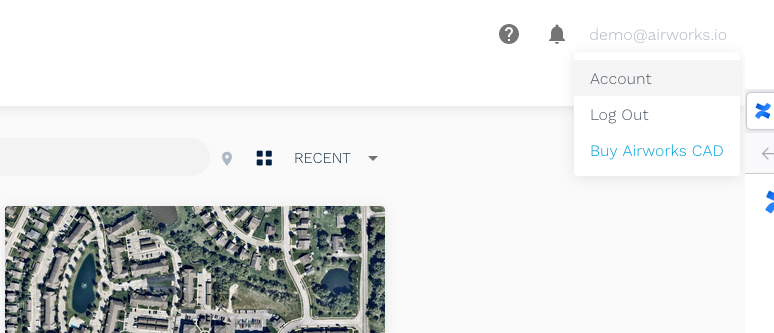
Your account settings can be found by clicking on your user name (email address) at the top right corner of the AirWorks app window, and then selecting “Account” in the drop-down menu that appears.
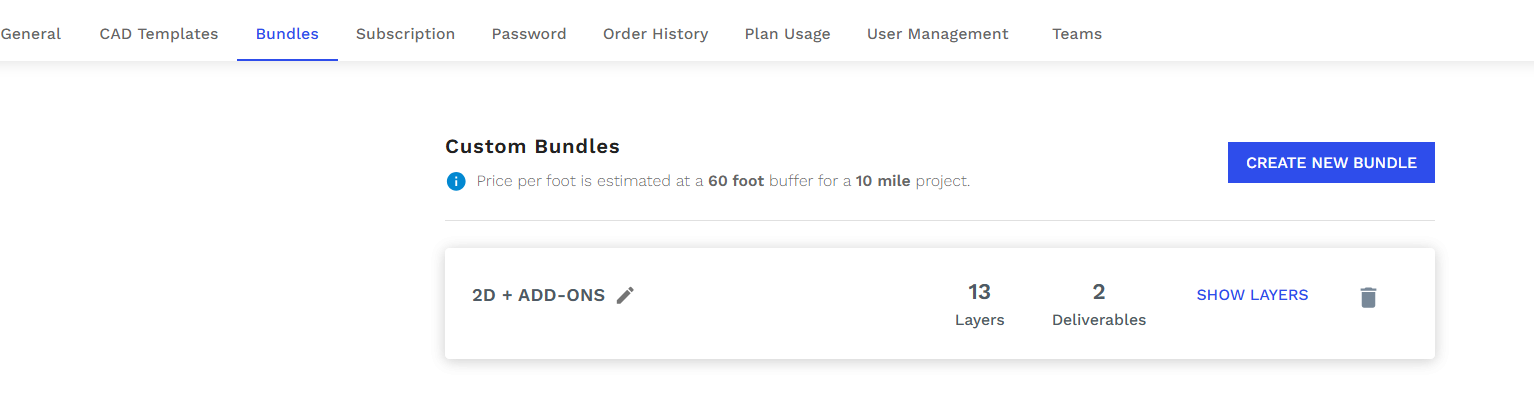
You will then be re-directed to will be directed to various account settings and can access a variety of screens by clicking on the tabs in the menu at the top of the screen.
For more information on each account setting, click below: