
Preface: Once a client submits an order, this runs in on the backend of Automate As a result, any order changes that need to be made also can be changed within the administrative webapp portal by an AirWorks Employee.
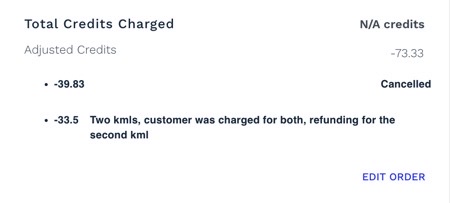
After the credits have been adjusted by an AirWorks Employee, the reflected credit charge will populate within the project on the bottom right hand of the order as shown below.
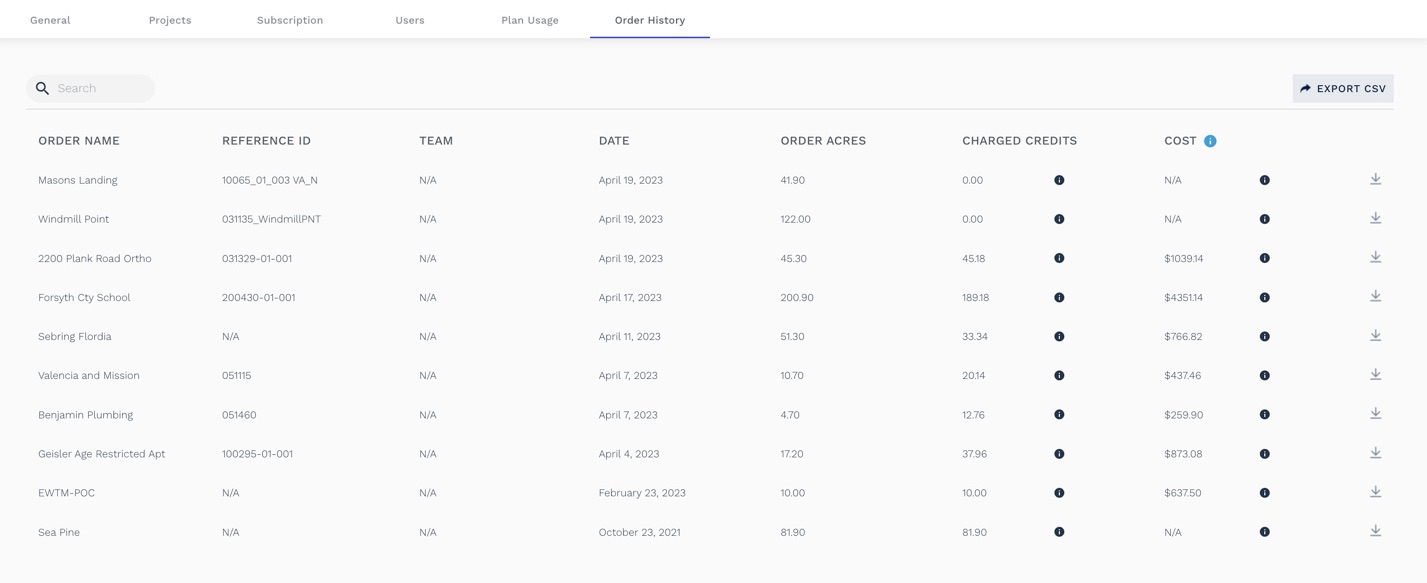
Additionally, these changes will be reflect on the webapp “order history” tab located in the right hand side of the webapp. This can be used for accounting purposes.
Note: that any adjustments made have a MINIMUM of 5 credits. For example if a client asks for a landxml file after submission has been completed, there is a 5 credit charge (even though this normally costs 1 credit upon ordering).
Please reach out to support@airworks.io to make any scope changes!